
Are you looking for a comfortable & energy-efficient environment in your large industrial, commercial, or residential space? With the growing technology of industrial automation, various industrial fans come with a smart control system that saves energy and enhances a comfortable environment across the facility. With smart connectivity, you can reduce the workers’ frustration and reduce energy wastage.If you want to connect your fan with a smart automation control system, you are in the right place. In this article, we will explore how to connect your fan to a smart control or automation system.
Demand For The Smart Fan Controllers
As per the study of The Insight Partners, the smart industrial ceiling fans market is valued at US$987.38 million in 2024, and it is expected to reach US$1,438.74 million by 2031. During 2025–2031, with a growing CAGR of 5.1%. They effectively connect with various segments such as WI Fi, Bluetooth, and AI for commercial or residential projects.
According to the Stats Market Research, the global fans market reached USD 1,407 million by 2032 from USD 974 million in 2024. This enhances the 40% of the market share, which is anticipated to grow at 6.2% by 2030.
Why Smart Connection Matters For Your Fan To A Smart System?
The smart connectivity fans are not just about the on and off of the fan. It integrates with your smart fan with a smart automated system such as Alexa, Google, and Siri. By owning the mart fans connectors, you operate your fans easily, such as:
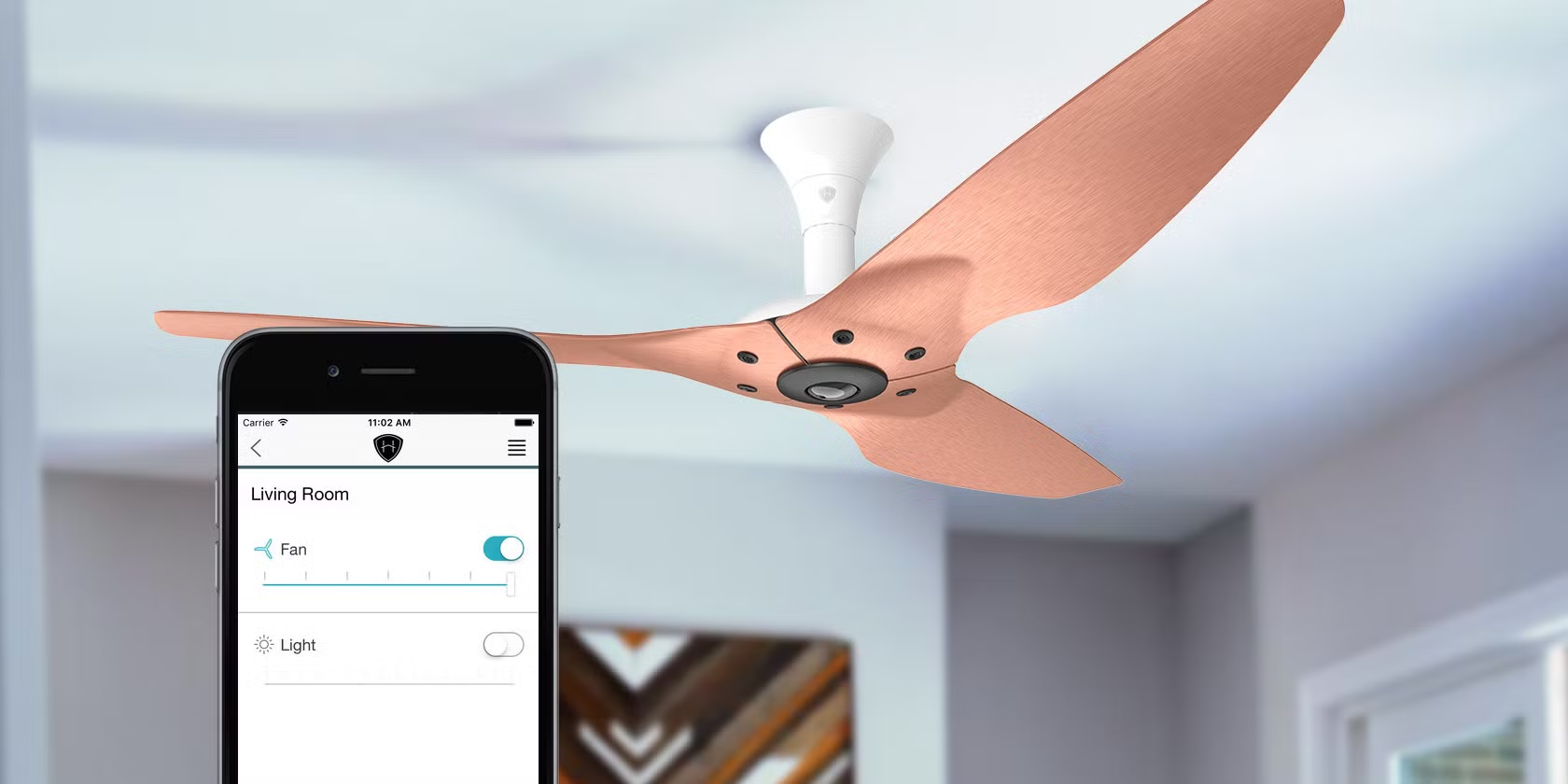
- Smart connectivity by remote or smartphones
- Set on and off schedule by needed operations
- Automatically adjust fan speed by using IoT sensors and motion detection sensors
- Effectively save energy with smart connectivity and automated rules
- Smart sensors connect with the HVAC system, smart thermologist, and effectively work with air quality sensors.
Smart connectivity fans are integrated with smart control, including ceiling fans, industrial exhaust fans, and wall-mounted fans for better industrial operations.
What Types Of Industrial Fans Come With Smart Control Or Automation Systems?
Not every type of fan is the same because the industrial fans work in large spaces cost-effectively.
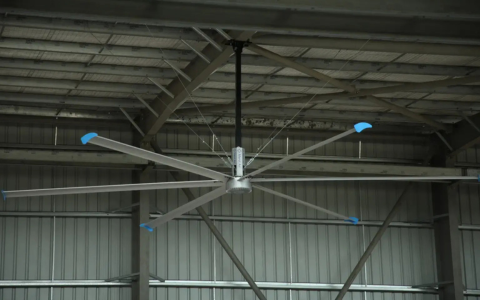
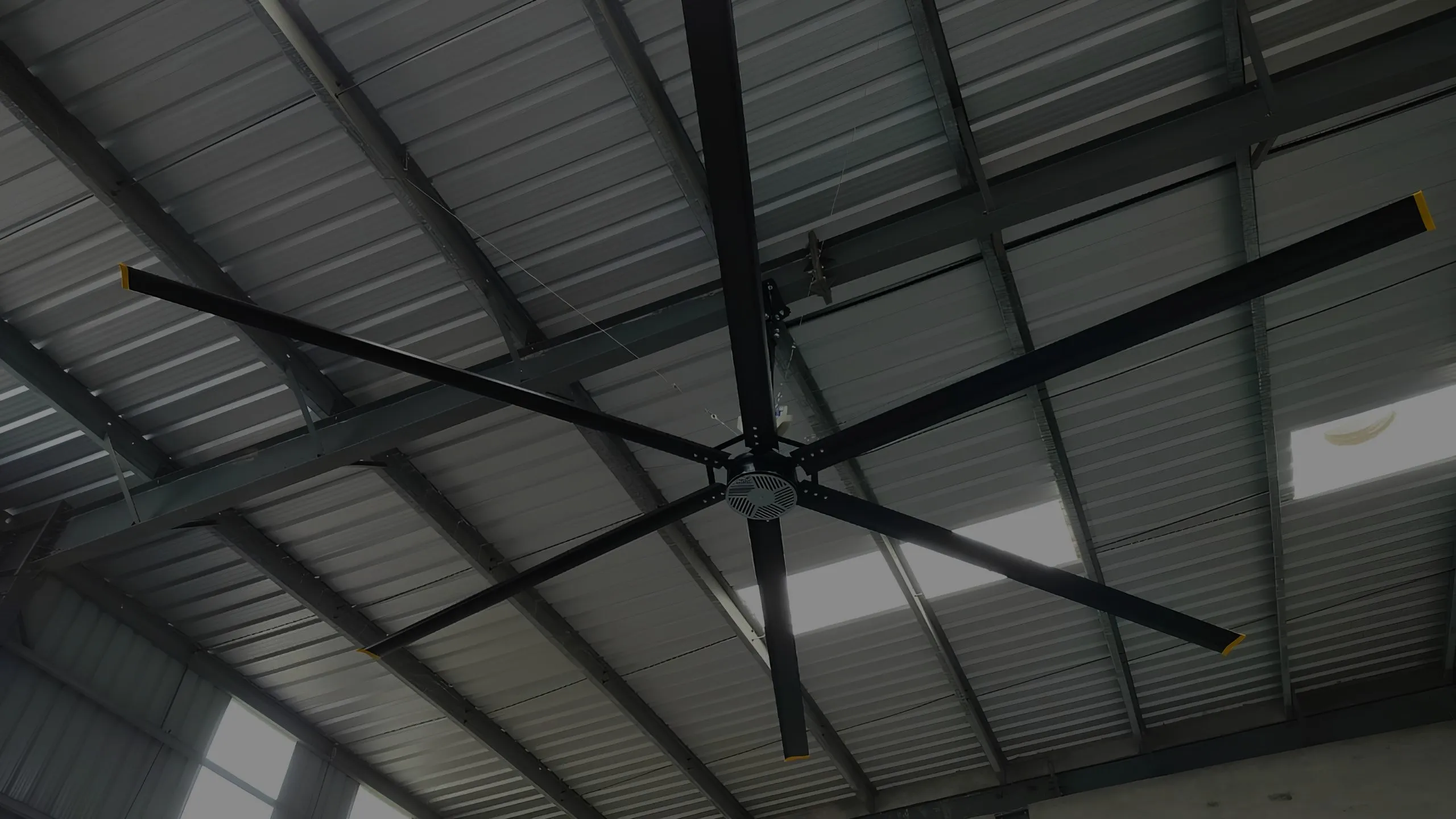
- HVLS fans (High Volume Low Speed fans)
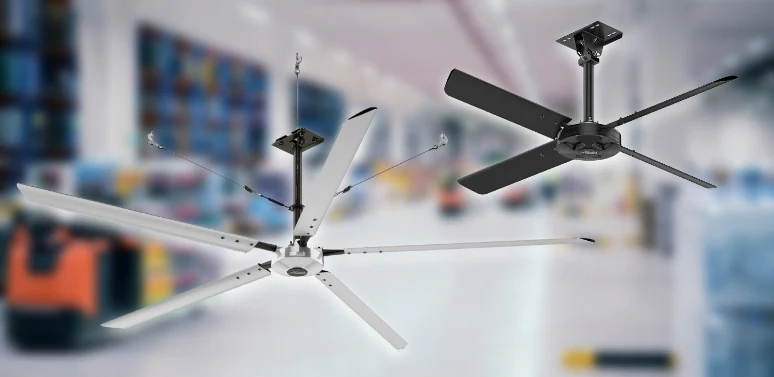
- Industrial ceiling fans
- Exhaust fans
- Axial fans
- Centrifugal fans
- Ventilation fans
What Are The Smart Control Options For Industrial Fans?
The industrial automation smart controlling fans for large industrial spaces the mostly used, such as:
1. Variable Frequency Drives (VFDs)
2. Industrial Automation Systems
3. IoT-Based Smart Controllers
4. Building Management Systems (BMS)
What Are The Major Steps For Connecting Your Fan To Smart Control Or Automation Systems?
Following all these essential steps ensures smart connectivity with AI-based technology that results in lower energy costs.
Step 1: Choose the Right Smart Controller
Selecting the right smart controller is the first step to making your industrial fan intelligent and working with AI-based technology. Look for those devices that are effectively compatible with your fan type, ceiling, pedestal, model, and support smarter connectivity. An advanced smart controller ensures the smooth fan workflow with energy efficiency and a smart control system.
Ensure The Smart Options:
- Smart fan controllers
- Smart plugin options
- Smart home hubs
- Voice assistants
Step 2: Check Compatibility
Ensuring the capability of the fan is essential because not every industrial fan works with the smart industrial controllers. It ensures your fan supports:
- DC & AC motors
- VFD & speed control system
- Remote control and app integration
Various popular brands, such as Bigvent fans, provide effective modern compatibility with smart fan controllers.
Step 3: Install and Connect
Installing the large industrial ceiling fans ensures the power supply is switched off. Then remove the wall switch and follow the manual for installation. Then ensure the connectivity of the fan with WI FI smart plug-in and configure the app.
Step 4: Automate Your Fan
Once you connect your industrial fan to smart wifi and automation technology. Then your fan operates with a remote & smartphones. Check the fans working with:
- Temperature-based automation
- Motion sensors that automatically adjust fan speed
- Energy-saving automation
- Sense automation
Step 5: Maintenance and Troubleshooting
Ensure your fans are connecting with WI FI and stronger network connectivity. Use automation apps that offer custom fan options.
Why Choose Marut Air For Smart Control Or Automation Systems in Large Industrial Spaces?
Choosing a reliable and trusted partner means operating smoothly in your large industrial facilities. Marut air delivers you the smart temperature and motion detection sensors, fans that automatically adjust fan speed, and provide a comfortable environment across the large spaces. Marut Air builds its strong reputation in the industrial cooling market,
People Also Ask How To Connect Your Fan To Smart Control Or Automation System.
Q.1 Does the smart fan controller need WI FI?
A: No, not all the industrial smart fans need internet connectivity because some of the fans work with VFD, and a local control system.
Q.2 How does it manage the airflow automatically?
A: It automatically uses the industrial automation sensors by detecting the indoor environment, and an AI-based algorithm operates to adjust the fan speed in real time.
Q. 3 Do smart fans operate without the internet?
A: Yes, the smart controllers operate without the internet.
Q.4 Does it help to enhance overall production?
A: Absolutely, the automation system adjusts fan speed to reduce heat stress and make the workers’ environment comfortable.